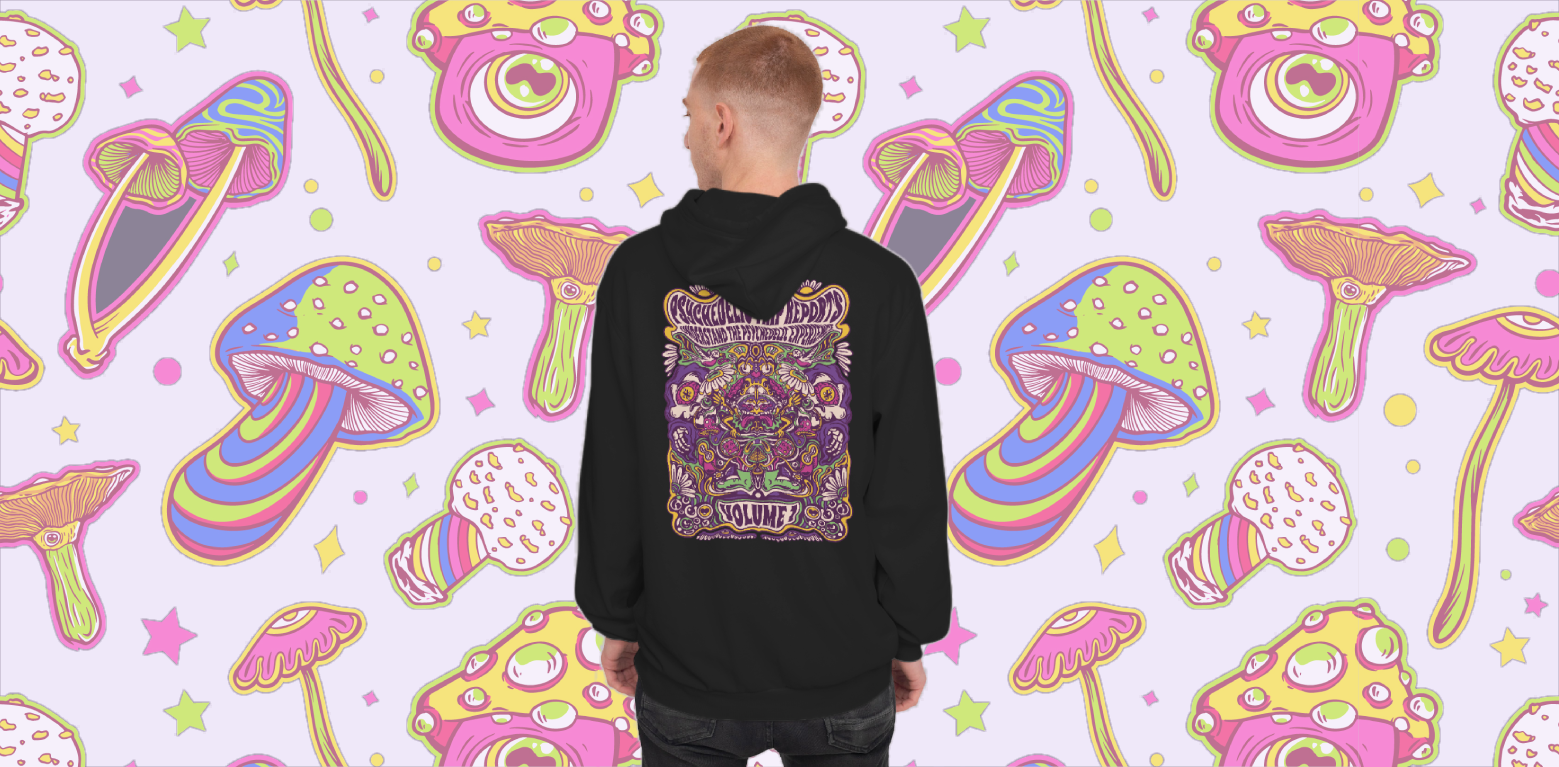
Merchers face unique challenges when creating designs tailored for print-on-demand (POD) platforms. Ensuring compliance with platform standards, designing for diverse products, and standing out in competitive markets all require specialized tools.
Recognizing these needs, we’re excited to introduce Vexels Designer: a robust, merch-focused platform designed to simplify and elevate the design process. In this article, we’ll explore how its features address common merch challenges and why it stands out as an essential tool for creators.

Why a Merch-Focused Design Tool Matters
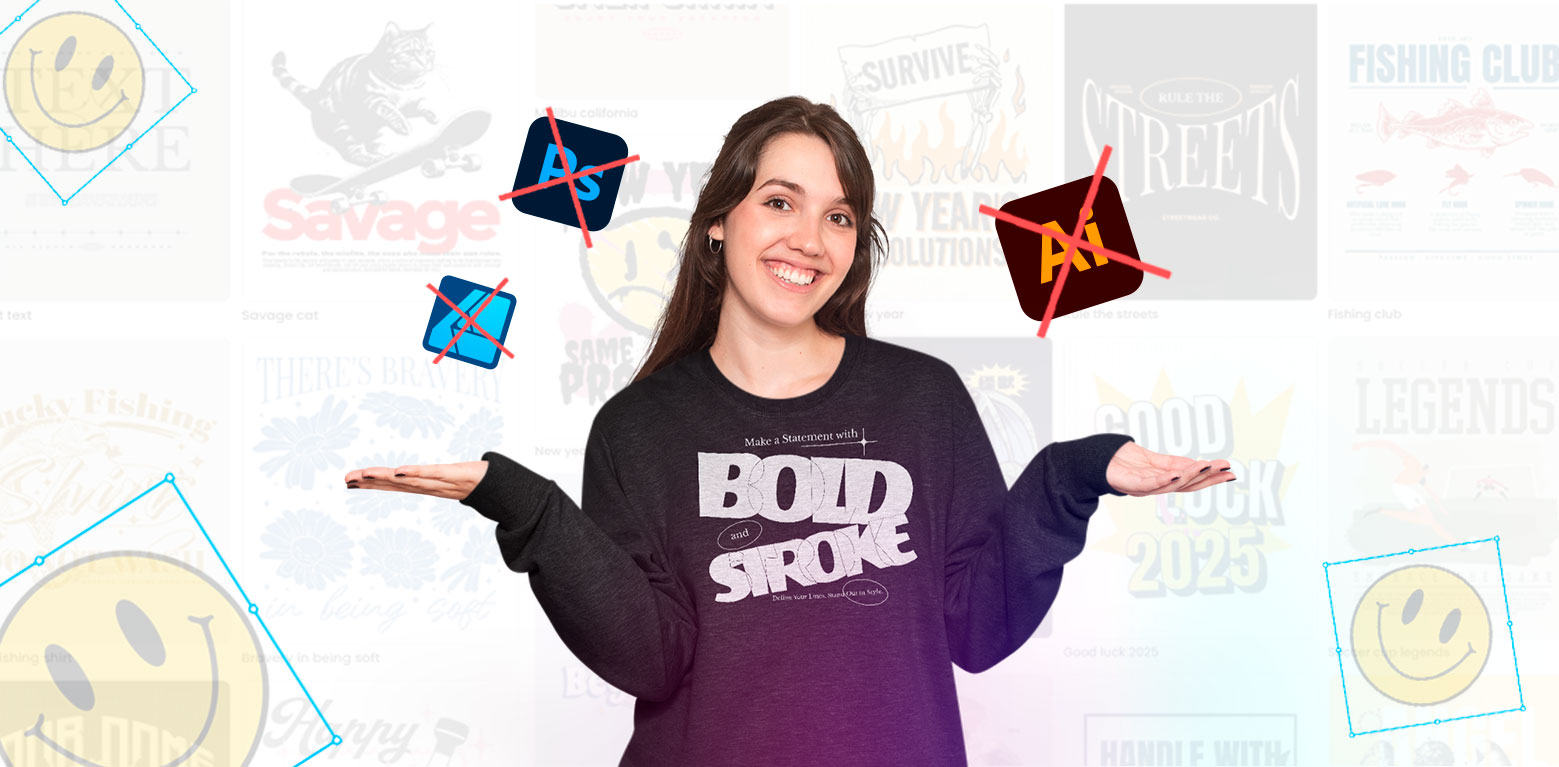
Most design software is created for general-purpose use, leaving merchers to navigate limitations that can hinder their work. Without tools built for the demands of POD, merchers encounter several challenges:
- Meeting Strict POD Requirements: Major POD platforms like Redbubble or Printful require precise specifications for designs, including resolution, file types, and dimensions. Deviating from these standards can lead to rejected uploads and wasted effort. Additionally, merchers need to ensure their designs remain legally compliant and avoid plagiarism.
- Time Constraints: Creating designs for different niches and products can take hours, especially when starting from scratch. The pressure to consistently deliver fresh, creative designs only amplifies this problem.
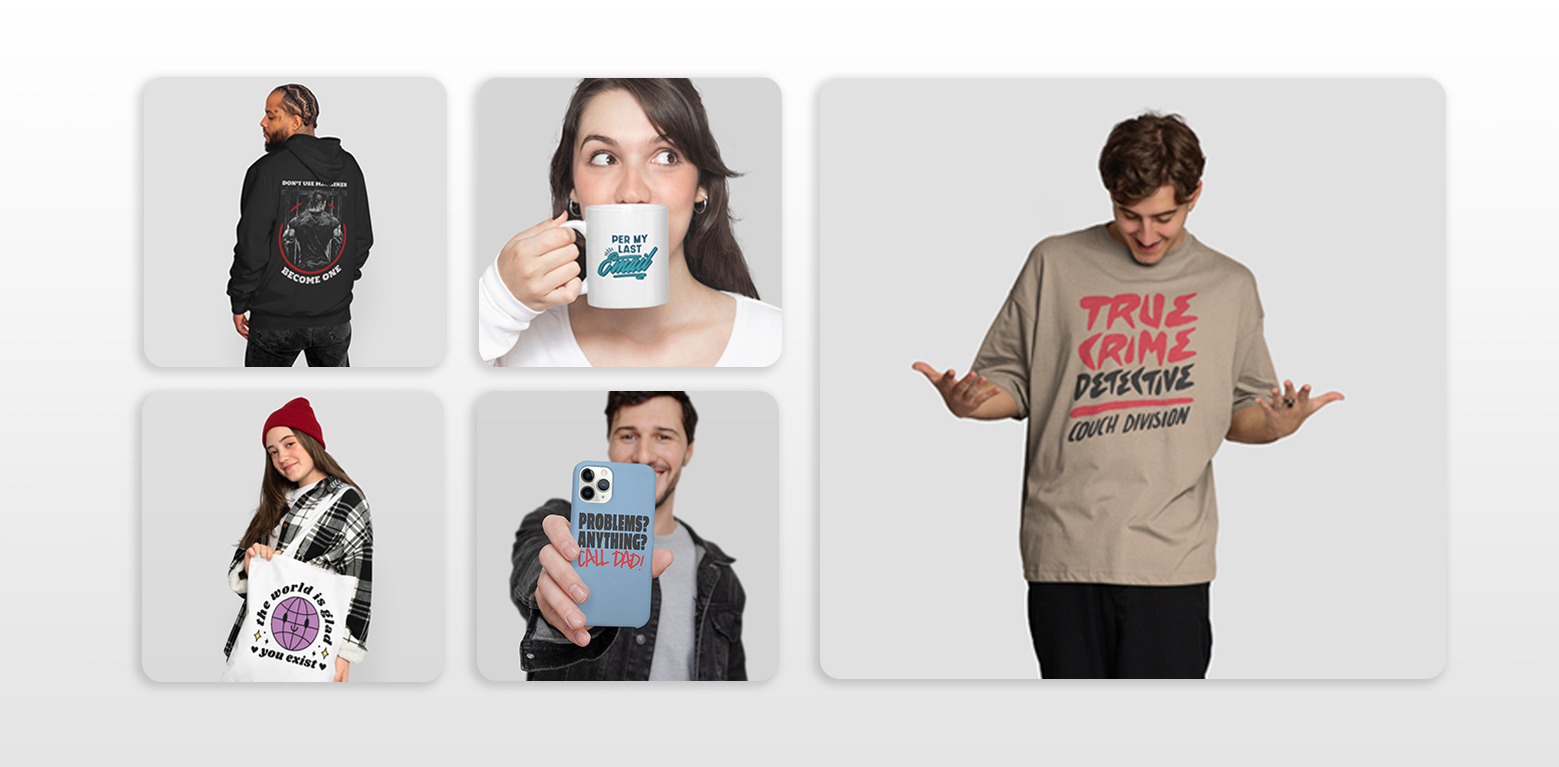
- Product-Specific Limitations: Translating a single design across multiple product types—like T-shirts, mugs, and phone cases—requires resizing, reformatting, and adjustments that are tedious without dedicated tools.
- Limited Customization Options: Generic design resources often don’t cater to the specific needs of merchers, who require unique templates and elements that can be easily edited.
Vexels Designer directly addresses these pain points, offering an efficient and creative solution for merchers who want to produce POD-ready designs with ease.
Key Features of Vexels Designer
1. Generative AI for Design Creation
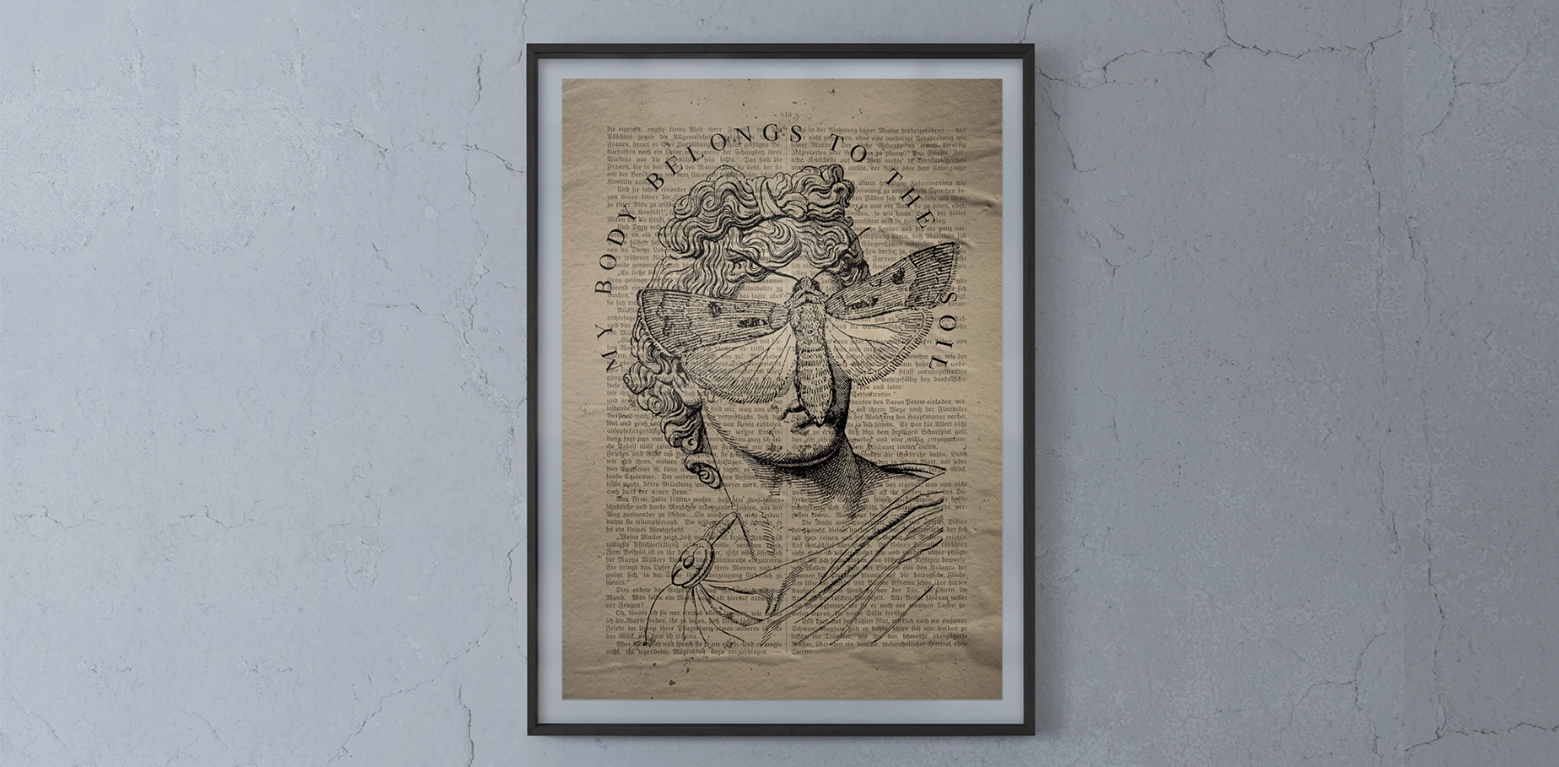
Vexels Designer includes powerful Generative AI technology that allows users to create designs from scratch or enhance existing templates. By simply typing a description, users can generate design elements tailored to their needs. Options include styles like anime, kawaii, grunge, art deco, watercolor, and more, offering unmatched creative flexibility.
Designs can be further customized with effects, blending modes, and other tools, ensuring originality and adaptability. Whether starting with a blank canvas or modifying a template, this feature saves time while fostering creativity.

2. Tailored for POD Compliance
Designed with POD platforms in mind, Vexels Designer ensures your work meets the required specifications. Users can select product types—ranging from T-shirts and hoodies to mugs and phone cases—and adjust designs for correct dimensions and textures.
The tool also offers color-safe options to ensure designs look perfect across various products and platforms. Additionally, Vexels Designer provides features for creating truly unique designs, reducing the risk of copyright issues and ensuring your work is POD-safe.
3. Templates and Design Resources
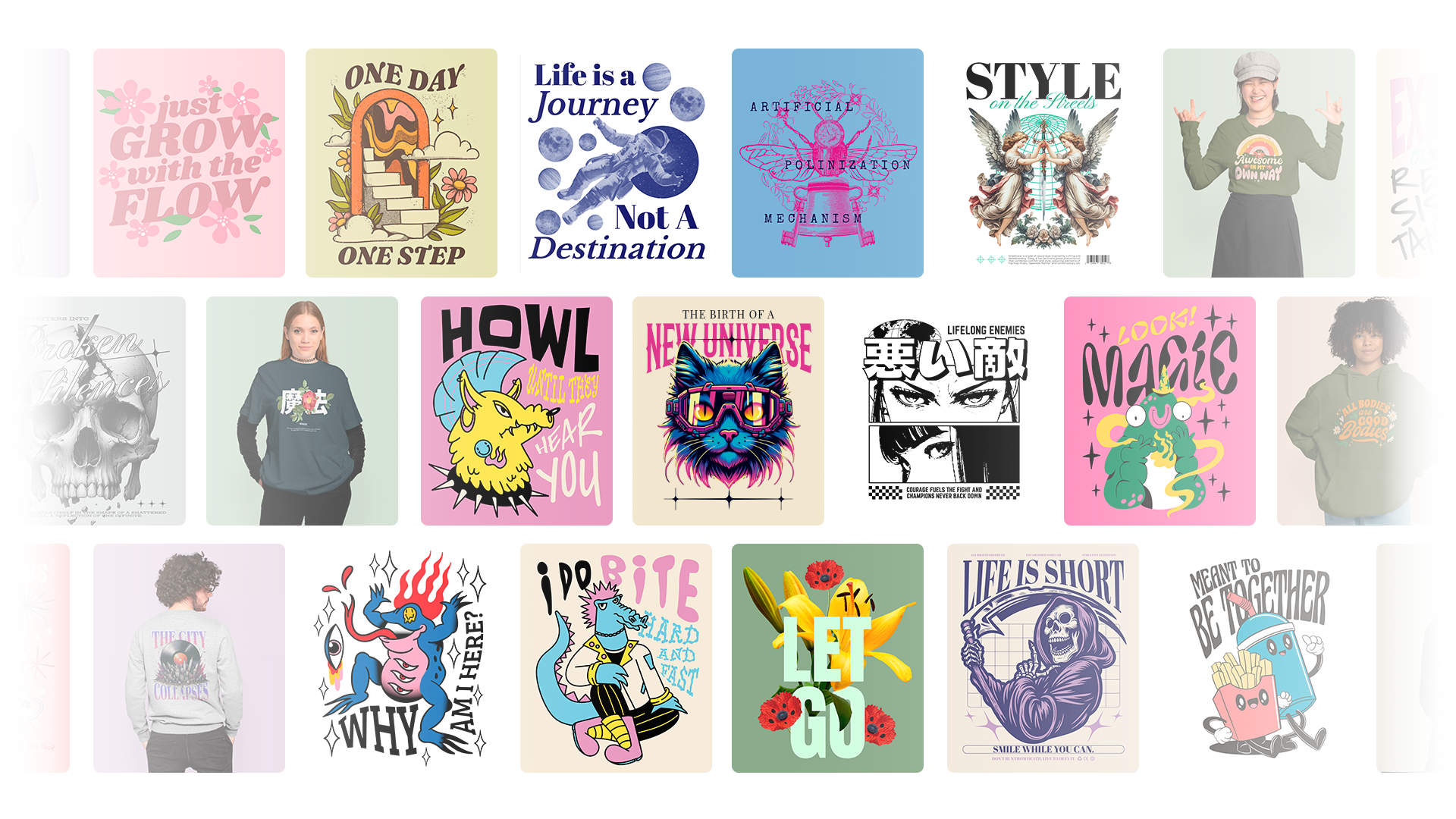
The Designer includes an extensive library of templates, categorized into collections for easy navigation. Whether looking for trending designs or niche-specific graphics, users can find a starting point that matches their needs.
Additionally, the tool offers an array of graphic elements, shapes, and decorations, all editable with features like a background remover. Users can also upload their own assets for seamless integration and further customization.
4. Advanced Text Customization
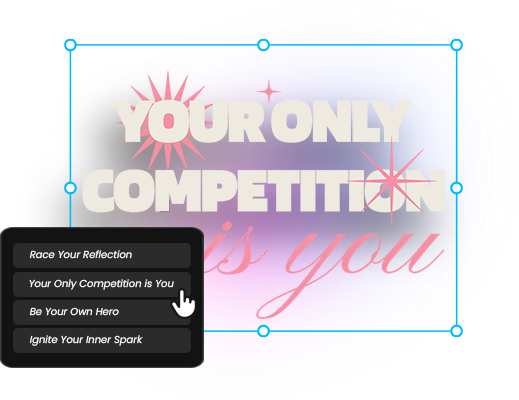
Vexels Designer empowers users to create impactful text-based designs. The integrated AI suggests quotes based on mood, length, or topic, making it easy to find inspiration. Users can customize fonts, shapes, styles, and colors or choose from pre-designed text templates that can be adjusted to suit any design.
5. Streamlined Interface for Efficient Workflow
The intuitive interface ensures a smooth design process. Key features like templates, elements, text tools, upload options, design settings, layers, and color adjustments are easily accessible. Generative AI options for both text and design elements are integrated seamlessly.
An information icon provides quick access to tutorials, helping users master the platform and maximize its potential. Additional features include a live chat for support, a shortcut masterlist, and the ability to suggest new features. All designs are securely stored in the cloud, making them accessible from anywhere.
Conclusion
Vexels Designer redefines the merch design process, providing a specialized tool that meets the unique needs of POD creators. From its Generative AI capabilities to its POD-compliant templates and resources, the platform offers a seamless, efficient way to produce standout designs.